Essential Tips for Building an Impressive LinkedIn Profile

Creating a LinkedIn profile that stands out can open doors to new career opportunities, professional connections, and industry insights. Many people set up their LinkedIn accounts but miss key elements that make profiles truly effective. This guide offers practical tips to help you build a LinkedIn profile that captures attention and reflects your professional strengths.
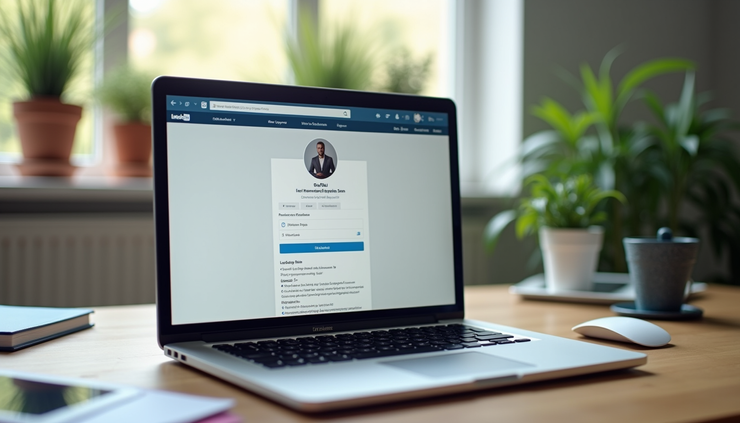
Start with a Clear and Professional Profile Photo
Your profile photo is the first visual impression visitors get. Choose a high-quality image that shows your face clearly. Use a simple background and dress in a way that fits your industry but remains approachable. Avoid casual or overly formal photos. A well-chosen photo builds trust and invites people to connect.
Craft a Compelling Headline
The headline appears right below your name and is one of the most visible parts of your profile. Instead of just listing your job title, use this space to highlight your expertise and what you bring to the table. For example, instead of “Marketing Manager,” try “Marketing Manager Specializing in Digital Campaigns and Brand Growth.” This makes your profile more searchable and interesting.
Write a Strong Summary Section
The summary is your chance to tell your professional story in your own words. Keep it concise but informative. Focus on your skills, achievements, and what motivates you. Use a friendly yet professional tone. Include keywords related to your industry to improve your profile’s visibility in searches.
Example Summary
I am a project manager with over 7 years of experience leading cross-functional teams to deliver software solutions on time and within budget. Passionate about agile methodologies and continuous improvement, I thrive in dynamic environments where collaboration drives success.
Detail Your Work Experience with Impact
List your past roles with clear descriptions of your responsibilities and accomplishments. Use bullet points to make this section easy to scan. Focus on results by including numbers or specific outcomes when possible. For example:
Increased sales by 20% through targeted email campaigns
Managed a team of 10 developers to launch a new app within six months
Avoid vague statements like “responsible for managing projects.” Instead, show how you made a difference.
Highlight Your Skills and Endorsements
LinkedIn allows you to list skills relevant to your profession. Choose skills that reflect your strengths and the roles you want. Encourage colleagues to endorse these skills, as endorsements add credibility. Keep your skills section updated to match your evolving expertise.
Add Education and Certifications
Include your educational background and any certifications that support your career goals. This information helps recruiters and connections understand your qualifications. If you have relevant courses or training, list those as well.
Customize Your LinkedIn URL
A personalized LinkedIn URL looks cleaner and is easier to share. Instead of a random string of numbers, use your name or a variation of it. For example, linkedin.com/in/janedoe instead of linkedin.com/in/jane-doe-12345.
Build Your Network Thoughtfully
Connect with people you know professionally, such as colleagues, classmates, and industry peers. When sending connection requests, add a brief, personalized note explaining why you want to connect. This increases the chance your request will be accepted.
Engage with Content Regularly
Stay active by sharing articles, commenting on posts, and joining relevant groups. Engaging with content shows you are involved in your field and helps you build relationships. Share your own insights or industry news to position yourself as a knowledgeable professional.
Request Recommendations
Recommendations from colleagues, managers, or clients add social proof to your profile. Politely ask for recommendations from people who can speak to your skills and work ethic. A few well-written recommendations can boost your profile’s credibility.
Use Keywords Strategically
Recruiters often use keyword searches to find candidates. Identify terms commonly used in your industry and include them naturally throughout your profile—in your headline, summary, experience, and skills. This improves your chances of appearing in search results.
Keep Your Profile Updated
Regularly review and update your profile to reflect new roles, skills, or accomplishments. An up-to-date profile signals that you are active and engaged in your career.
Be Honest and Authentic
Present your true professional self. Avoid exaggerating skills or experiences. Authenticity builds trust and helps you connect with the right opportunities.

Comments